How to Save 10 Hours a Week Using AI for Your Small Business
AI for "Invisible" Productivity: How Small Business Owners Can Reclaim 10 Hours a Week
You've heard the buzz. AI this, AI that. Everyone's talking about chatbots writing emails and generating social media posts. But here's the thing..if you're a small business owner, especially running a local shop in Connecticut or anywhere else, that's not where AI delivers its biggest punch.
The real value? It's hiding in plain sight. Buried in the tedious, unglamorous tasks you dread. The scheduling nightmares. The pile of receipts. The customer reviews you haven't read in weeks.
This is AI for invisible productivity. And it might just give you your life back.
Why "Invisible" Productivity Matters More Than Marketing
Let's be honest. Most small business owners don't need another tool to write captions. What they need is time. Time to connect with customers. Time to think strategically. Time to breathe.
The admin work? It never stops. You're juggling appointment requests, chasing down invoices, and wondering what people are actually saying about your business online. These tasks aren't glamorous. They don't make the highlight reel. But they eat hours, silently, relentlessly.
Here's where AI steps in. Not as a flashy content creator, but as a quiet workhorse. Running in the background. Handling the boring stuff so you don't have to.
Three categories matter most: automated scheduling, invoice categorization, and sentiment analysis on customer reviews. Get these right, and you're looking at roughly 10 hours saved every single week. That's not hype. That's math.
Automated Scheduling: Kill the Email Ping-Pong
Think about your last week. How many messages went back and forth just to book a meeting or appointment? "Does Tuesday work?" "How about Thursday at 2?" "Actually, can we push to Friday?"
It's exhausting. And completely unnecessary.
AI-powered scheduling tools eliminate this friction. You set your rules—available hours, buffer times between appointments, travel considerations—and the tool handles the rest. Customers or partners get a link. They pick a slot. Done.
Three tools worth exploring:
- Lindy acts like a personal assistant. It proposes times based on your calendar, sends confirmation emails, and even drafts polite follow-ups. You set it once and forget it.
- Calendly is the reliable workhorse. Booking links, automatic reminders, team scheduling if you've got employees. Simple and proven.
- Reclaim.ai goes a step further. It doesn't just schedule meetings—it protects your focus time by auto-blocking task hours and respecting your priorities.
Pick one. Connect your Google or Outlook calendar. Set your hours and buffers. Add that booking link to your email signature and website. You'll wonder why you waited so long.
Invoice Categorization: Stop Typing What AI Can Read
Receipts multiply like rabbits. Gas station stops. Supply runs. Random expenses you swore you'd log later. Before you know it, you're facing a shoebox of paper and a looming tax deadline. AI-powered receipt and invoice tools fix this headache. Snap a photo or forward an email. The tool extracts vendor name, date, amount, and suggests a category. You tap approve. It syncs to your accounting software.
Over time, these tools learn your patterns. They recognize that certain vendors always fall under "supplies" while others go to "cost of goods sold." Less thinking for you. Fewer errors. Faster bookkeeping.
Three solid options:
- Dext offers lightning-fast OCR (that's optical character recognition—basically, it reads images). It learns your categories and pushes data straight to QuickBooks, Xero, or Sage.
- AutoEntry captures bills, receipts, even bank statements. It's particularly good at line-item extraction, which matters if you deal with detailed invoices.
- QuickBooks Online Receipt Capture is built right into QBO. If you're already using QuickBooks, this is the path of least resistance. Snap or email receipts, and they auto-fill into your books.
Here's your setup: connect your accounting tool, snap 10 recent receipts, approve the suggested categories. That's it. The AI learns from there.
Sentiment Analysis on Customer Reviews: Stop Guessing, Start Knowing
When's the last time you really dug into your Google or Yelp reviews? Not just glanced, actually analyzed them?
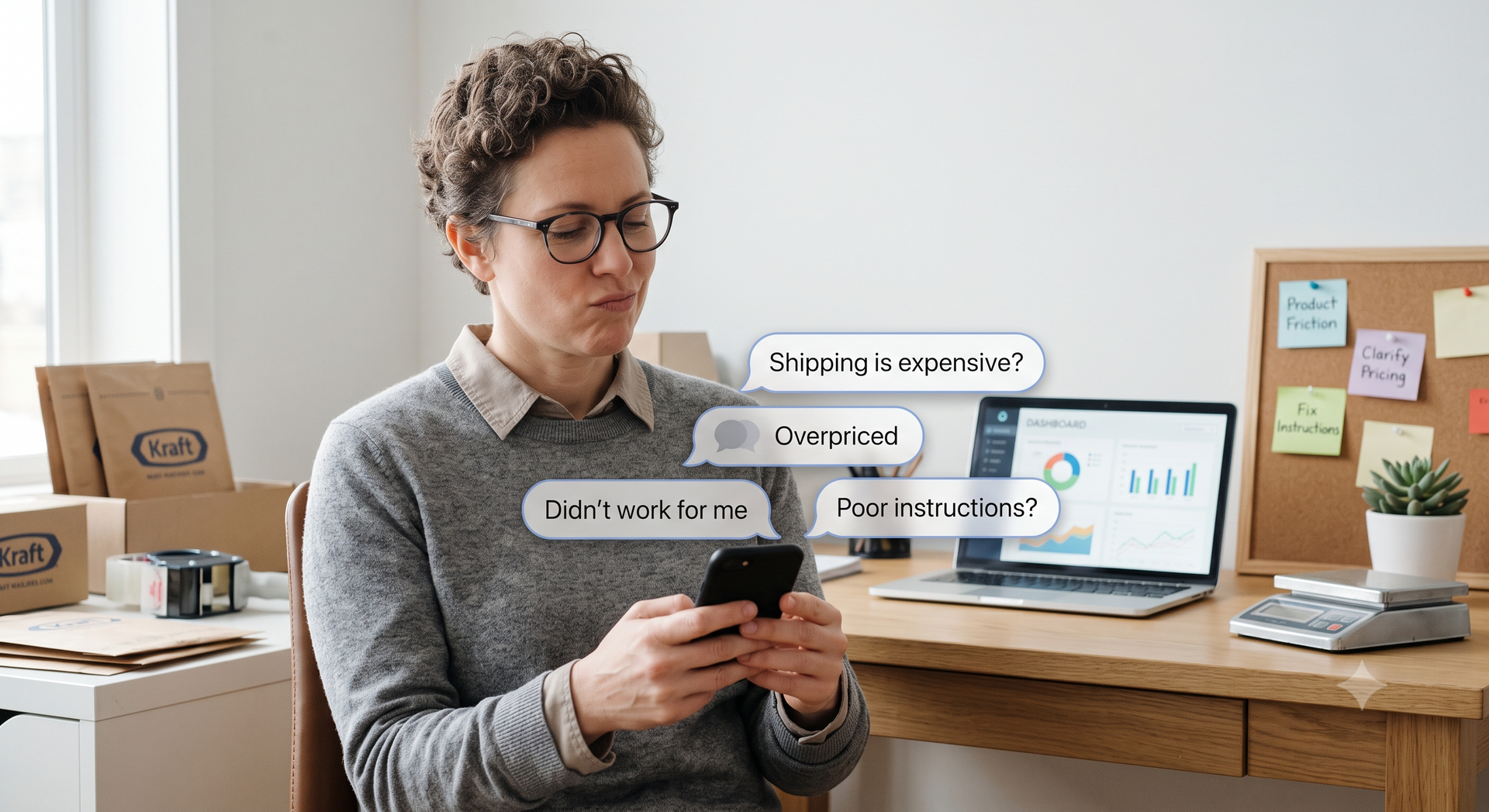
Most owners skim. They catch the five-stars and cringe at the occasional one-star. But the real insights? They're hiding in the patterns. Are people consistently mentioning wait times? Is pricing a recurring concern? Do customers love your staff but hate your parking situation?
Sentiment analysis tools aggregate your reviews, tag them by topic, and score the overall sentiment. You get dashboards. Trends. Alerts when something goes sideways.
This isn't vanity metrics. This is actionable intelligence.
Three platforms to consider:
- MonkeyLearn lets you build no-code sentiment models. Plug in your Google or Yelp exports, set up topic tags, and watch the insights roll in.
- ReviewTrackers pulls reviews from all major sites into one place. You get sentiment trends, keyword analysis, and instant notifications when new reviews drop.
- Birdeye centralizes reviews and Q&A across platforms. The analytics features surface sentiment patterns and issue alerts, just ignore the marketing upsells if that's not your thing.
Set up takes minutes. Connect your Google Business Profile. Turn on tags for topics like "wait time," "pricing," "cleanliness," and "staff." Schedule a daily summary email. Set an instant alert for negative spikes so you can respond fast.
The Math: Where Does the Time Go?
Let's break it down realistically. Automated scheduling saves roughly 3 to 4 hours per week. No more email chains. No more double-bookings. No more manual reminders.
Invoice and receipt automation saves another 3 hours. Maybe more during busy seasons or tax time. Review sentiment analysis saves 2 to 3 hours. You're not manually reading and categorizing feedback. The patterns surface automatically. Add it up: 8 to 10 hours weekly. That's a full workday. Every single week.
What could you do with that time? Launch a partnership. Host a community event. Actually take a weekend off. Or simply be present: greeting customers, shaking hands, being the reason people choose your shop over the competition.
The Real Goal: More You, Less Admin
Here's the truth nobody talks about. Small business owners didn't start their shops to do paperwork. They started because they had a vision. A craft. A community they wanted to serve.
AI for invisible productivity isn't about adding more technology to your life. It's about subtracting the busywork that buries you. These tools run quietly. They don't demand attention. They just work.
And that frees you to do what only you can do. Be the face of your brand. Build relationships. Make decisions that matter.
Your Next Step
Don't overcomplicate this. Pick one workflow—scheduling, invoices, or reviews. Choose the one that causes you the most pain right now.
Set it up today. Give it a week. You'll feel the difference. And you'll wonder why you ever tried to do it all yourself AI for invisible productivity. Less admin, more you. That's the whole point.
Looking to add more content to your Marketing Strategy?
Click the Chat 💬 widget below and Let's Connect! 🙌🏻
WebTimes Blog